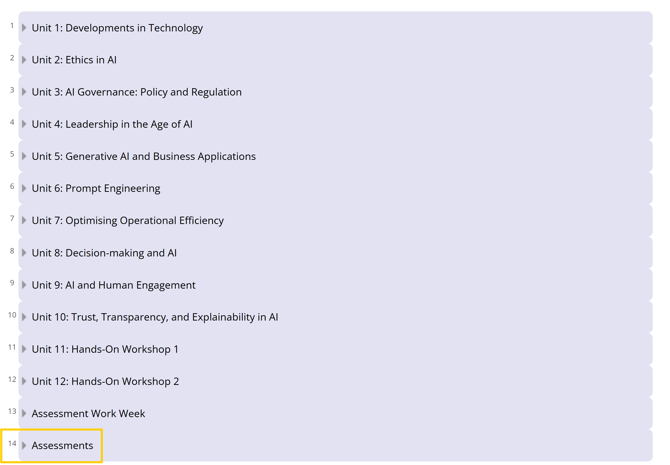
Log in to your LMS account and select the course for which you want to view your grades. Once on the course page, navigate to the bottom of the page and open the Assessments tab.
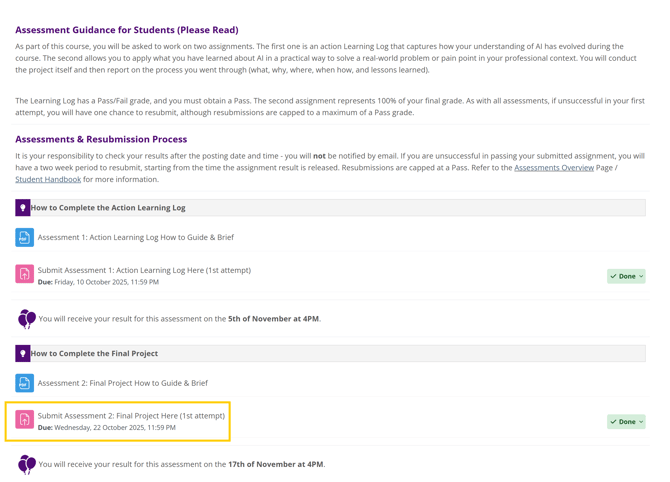
Click on the Assessments tab and you will see the assessment submission option. Click on the submission point for the grade you wish to view.
The main submission page will open, and you can scroll down to see the grading criteria.
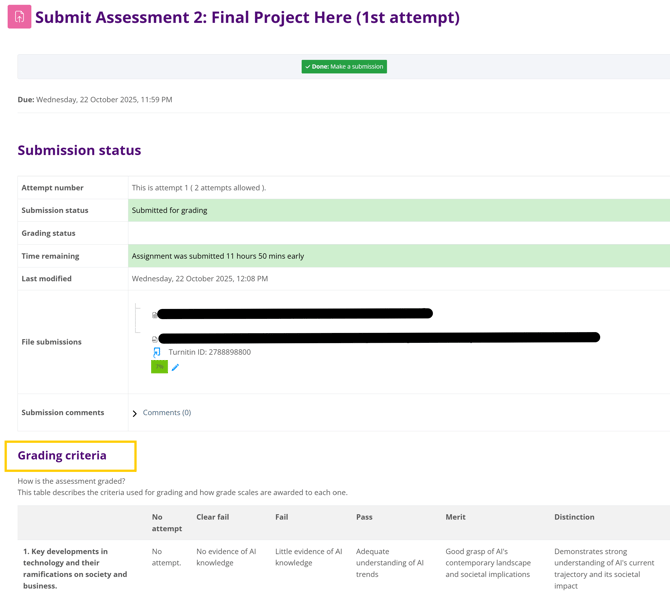
Grading criteria provide information on how the assessment is evaluated. They outline the specific standards and expectations that determine how your work will be graded.
When you scroll down to the feedback section, you will be able to find detailed feedback regarding your assessment. Click on the plus (+) sign to expand the feedback.
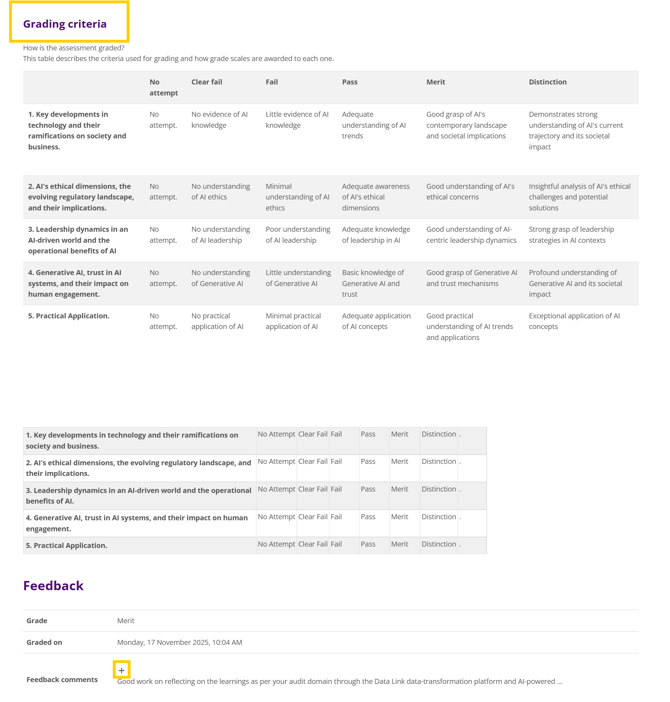
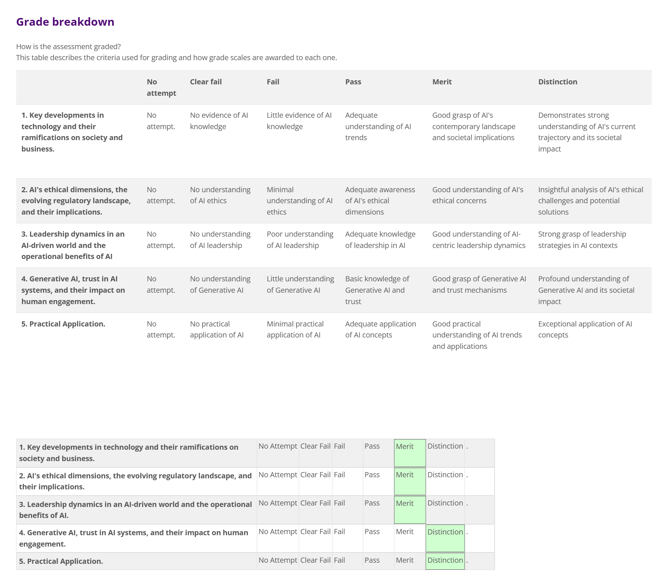
If you scroll further, you will be able to see how your assessment was graded and what you scored in each section. The grade breakdown shows the grades you were awarded for each part of your assessment.